Stingray Music for Business9.7.5
Publisher Description
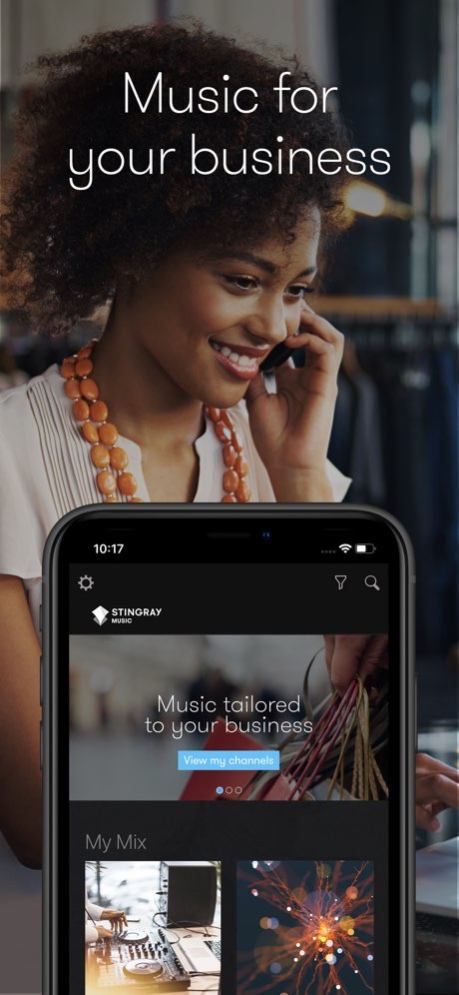
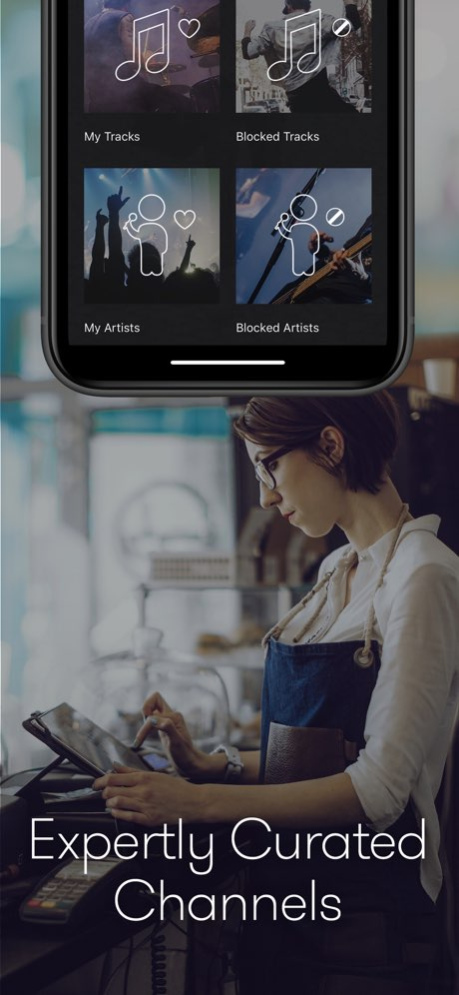
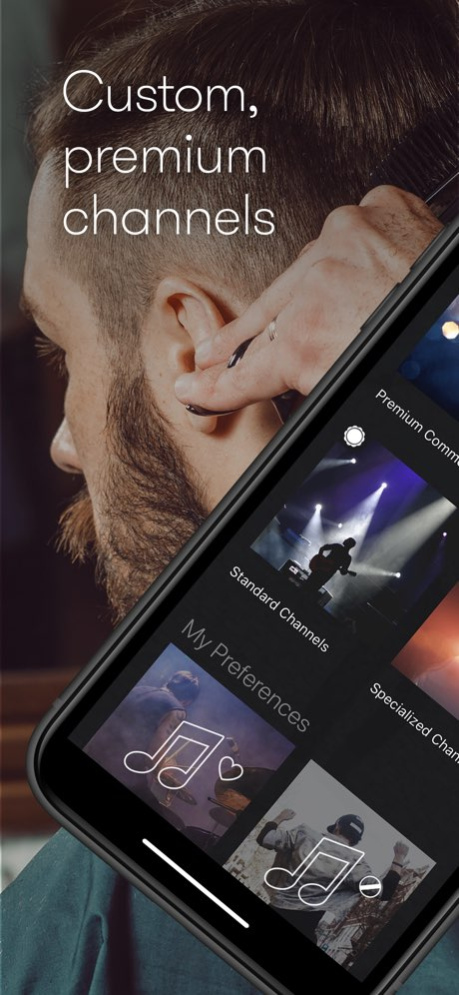
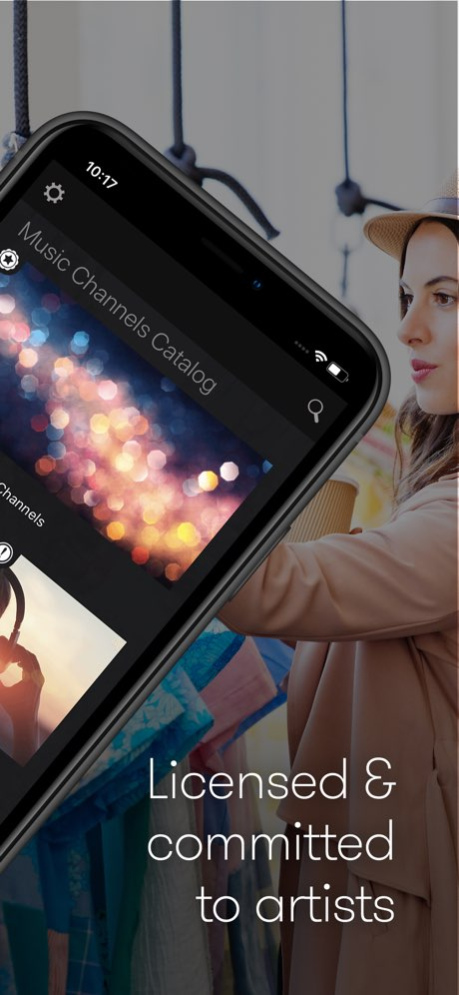
This mobile app is designed for businesses only. Please only download this app if you have an already existing Stingray Business account.
Our music library contains 1000s of channels that have been curated by our music experts to suit your needs. Find the perfect playlist for your business, whether it be a restaurant, retail store, bar, or any other industry type. Enhance your in-store experience and keep your customers happy with the best music selection for businesses on the market.
Features:
- Licensed & legal for commercial streaming
- Hand-picked content based on your industry
- Profanity-free music available
- Flexibility to modify your own line-up
- Premium & event-based channels curated by experts
- 1000s channels filtered by mood, themes, and trends
- Quick and easy setup
- Highest quality audio
Version History We got rid of some pesky bugs. 9.7.5 12/03/2025 We've fixed minor bugs. 9.6.4 07/22/2024 We've fixed minor bugs. 9.6.3 07/08/2024 We've fixed minor bugs. 9.0.4 10/28/2021 We've fixed minor bugs. 8.11.3 03/02/2021 We've fixed minor bugs. 8.7.5 10/07/2020 We’ve improved performance and fixed minor bugs. 8.6.10 07/14/2020 We’ve improved performance and fixed minor bugs. 8.4.1 03/24/2020 We’ve improved performance and fixed minor bugs. 8.3.2 02/18/2020 We’ve improved performance and fixed minor bugs. 7.5.4 11/07/2019 7.5.3 11/05/2019
About Stingray Music for Business
The company that develops Stingray Music for Business is Stingray Group Inc.. The latest version released by its developer is 9.7.5.
To install Stingray Music for Business on your iOS device, just click the green Continue To App button above to start the installation process. The app is listed on our website since 2026-10-13 and was downloaded 2 times. We have already checked if the download link is safe, however for your own protection we recommend that you scan the downloaded app with your antivirus. Your antivirus may detect the Stingray Music for Business as malware if the download link is broken.
How to install Stingray Music for Business on your iOS device:
- Click on the Continue To App button on our website. This will redirect you to the App Store.
- Once the Stingray Music for Business is shown in the iTunes listing of your iOS device, you can start its download and installation. Tap on the GET button to the right of the app to start downloading it.
- If you are not logged-in the iOS appstore app, you'll be prompted for your your Apple ID and/or password.
- After Stingray Music for Business is downloaded, you'll see an INSTALL button to the right. Tap on it to start the actual installation of the iOS app.
- Once installation is finished you can tap on the OPEN button to start it. Its icon will also be added to your device home screen.
Program Details
System requirements
Download information
Pricing
Version History
version 9.7.5
posted on 2026-10-13
Version History We got rid of some pesky bugs. 9.7.5 12/03/2025 We've fixed minor bugs. 9.6.4 07/22/2024 We've fixed minor bugs. 9.6.3 07/08/2024 We've fixed minor bugs. 9.0.4 10/28/2021 We've fixed minor bugs. 8.11.3 03/02/2021 We've fixed minor bugs. 8.7.5 10/07/2020 We’ve improved performance and fixed minor bugs. 8.6.10 07/14/2020 We’ve improved performance and fixed minor bugs. 8.4.1 03/24/2020 We’ve improved performance and fixed minor bugs. 8.3.2 02/18/2020 We’ve improved performance and fixed minor bugs. 7.5.4 11/07/2019 7.5.3 11/05/2019
version 9.7.5
posted on 2025-12-03
We got rid of some pesky bugs.
version 9.6.4
posted on 2024-07-22
Jul 22, 2024
Version 9.6.4
We've fixed minor bugs.
